The printhead serves as the core precision component of UV inkjet printers. UV Inkjet Printer Printhead Clogging occurs when nozzles are blocked by cured ink residue, precipitated ink particles or foreign impurities. This failure leads to typical symptoms including broken ink‑jet lines, ink starvation, missing printed characters and ink splashing.
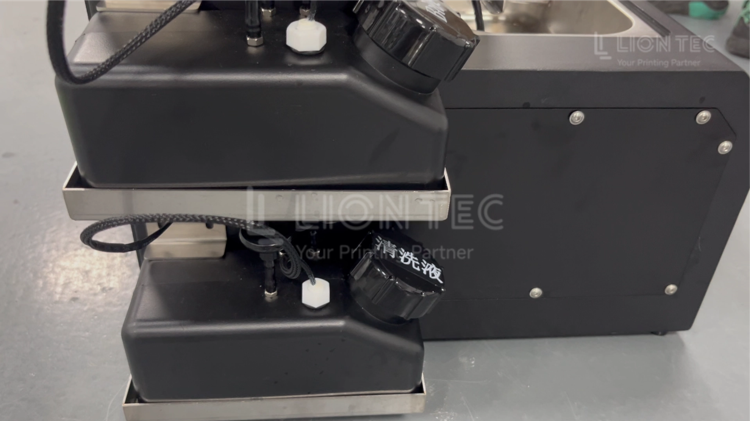
Causes of UV Inkjet Printer Printhead Clogging
1. Soft Clogging Thickened ink and tiny pigment particles partially adhere to the nozzles. Printing recovers briefly after cleaning, yet nozzle lines break again after a short‑time production run. This is a mild and frequent clogging issue, mostly triggered by environmental fluctuation and ink sedimentation.
2. Hard Clogging UV ink is photo‑cured under ultraviolet light and forms solid ink blocks inside the nozzles. Ink output cannot be restored even after repeated cleaning. It is classified as severe clogging. Improper handling will directly render the printhead scrapped.
3. Air‑lock Clogging Air bubbles enter the ink pipeline and block ink delivery. Printing appears intermittent and unstable. It mostly occurs after ink replacement or restart following long‑time standby.
4. Consumable‑related Factors Ink incompatibility, expired & deteriorated ink, mixed‑use of different‑brand inks, and aging filter cartridges failing to filter impurities.
5. Environmental Factors Excessive temperature or humidity in the workshop, heavy dust, and reflected UV light shining onto the printhead area.
6. Operational Factors Non‑standard power‑on / power‑off procedures, missing flash‑jet during standby, no printhead moisturizing upon shutdown, and frequent aggressive printhead cleaning.
7. Hardware‑related Factors Air leakage and abnormal negative pressure in the ink circuit, aging or damaged sealing gasket of the moisturizing cap, and accumulated ink residue inside aged ink sacs and pipelines.
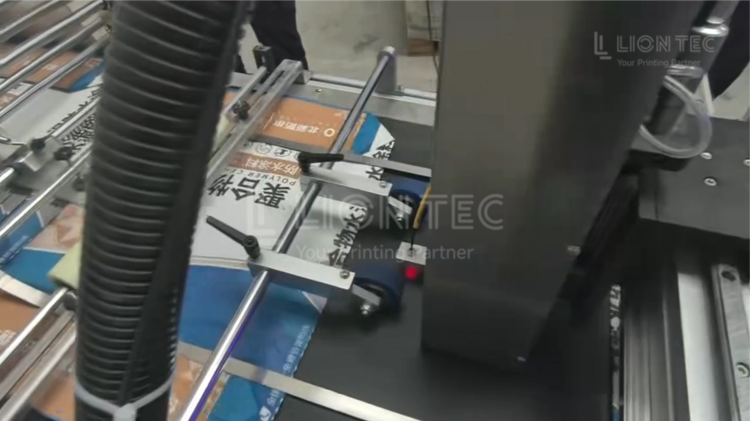
How to Prevent UV Inkjet Printer Printhead Clogging
1. Daily Startup After power‑on, pre‑heat the equipment for 10‑15 minutes in low‑temperature environments until it reaches the standard working temperature range of 20‑25℃.
Check ink tank ink, confirm ink is within shelf‑life period. Do not mix different ink models. Inspect ink tubes for kinks and air leakage.
Perform printhead pressure cleaning and print a nozzle test pattern. Verify all nozzles deliver complete ink output without broken lines. Start production only after passing the test.
During production, execute flash‑jet every 2‑4 hours to avoid ink drying out inside nozzles.
2. Daily Shutdown Turn off the UV curing lamp first and let the device cool down. Do not cut power directly.
Launch the automatic cleaning procedure to remove residual ink on nozzle surface.
Wipe the printhead nozzle plate gently in one direction using supplied lint‑free cloth and special UV cleaning solution. Avoid back‑and‑forth rubbing; never touch nozzles with hard objects.
Clean waste ink inside the ink‑receiving tray. Move printhead back to home position and ensure the moisturizing cap is fully sealed.
Finally power off the whole machine and implement dust‑protection measures.
3. Weekly Routine Maintenance Inspect ink filter cartridges and check for ink‑residue sediment inside filters.
Clean the printhead moisturizing station, remove waste ink inside the cap. Check whether the sealing gasket is aged or deformed; replace damaged gaskets promptly.
Monitor workshop temperature and humidity. Maintain 20‑25℃ and 40‑60% RH as much as possible. Keep proper light shielding to prevent reflected UV light from hitting the printhead.
For idle equipment, run flash‑jet cycles at least twice per week to prevent ink precipitation caused by long‑term standing.
4. Monthly In‑depth Inspection Replace ink filters following manufacturer‑recommended maintenance cycles and inspect ink sacs, to prevent unfiltered impurities from entering the printhead.
Fully check ink‑circuit connectors for air leakage and ink leakage, ensure stable negative pressure for ink supply system.
Dust off UV lamp housing to reduce reflected‑light impact on printhead.
Review ink storage conditions. UV ink must be stored away from light. Discard expired ink and never load it onto equipment.
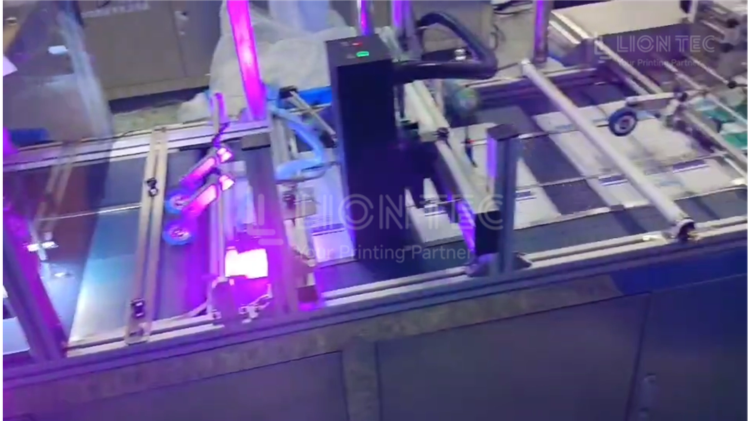
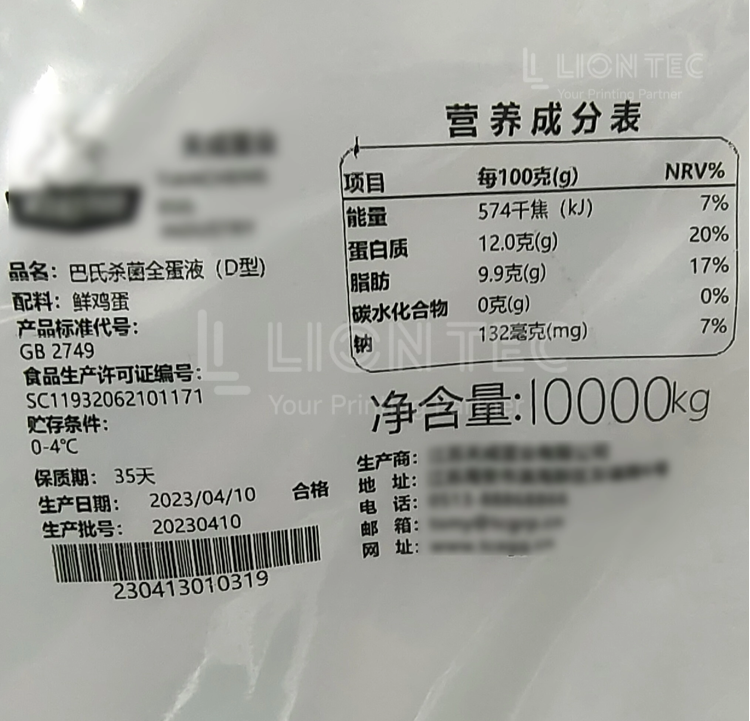
Conclusion
Most cases of UV printhead clogging are not caused by inherent hardware failures. Instead, they result from a combination of consumables, environmental conditions, and operational‑maintenance practices. Proactive prevention is far more critical than post‑failure repairs.
LIONTEC recommends manufacturing enterprises establish standardized printhead maintenance logs to record filter replacement, temperature‑humidity data and equipment operating status, so as to avoid UV printhead clogging risks at the source.