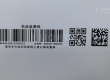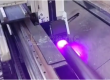
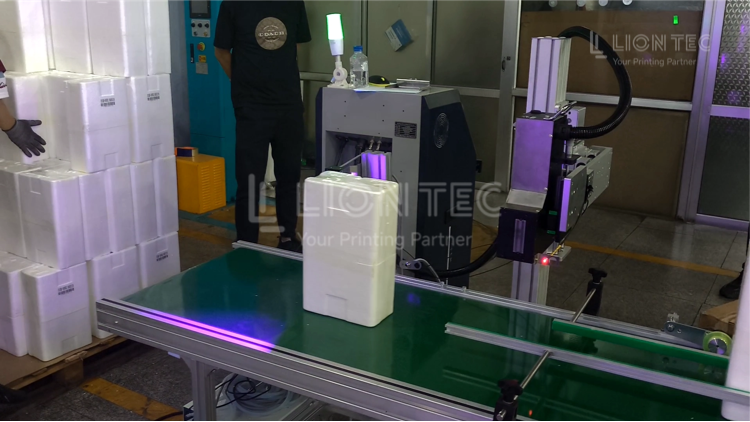
UV inkjet printers are industrial inkjet printing devices that rely on UV ink, piezoelectric printheads and UV curing systems to perform variable printing on various product surfaces. Safe Operation Procedures for UV Inkjet Printers standardize the scenarios, operation methods and post-shutdown handling workflows, preventing secondary faults caused by operators blindly pressing emergency stop.
Step-by-Step Execution Workflow
I. Pre-Procedure Safety Preparation Steps
- Operators must wear protective gear: solvent-resistant gloves and safety goggles. UV face shields are recommended for the UV curing area.
- Do not expose bare skin to UV lamp radiation for extended periods.
- Visual inspection before startup: check that the emergency stop button is intact with no jamming or damage, power cords and ink lines show no aging or cracking, the UV lamp shield is intact with no cracks, and ink level is normal with no leakage.
- Power on and start the equipment, wait for system self-check to complete, confirm no alarms on the operation interface, start ink circuit circulation, perform a printhead test jet, and verify normal printing status before reconnecting to the production line.
II. Emergency Shutdown Operation Steps
- Quickly assess the hazard type and press the nearest red mushroom-head hardware emergency stop button on the equipment body. Once pressed, the equipment immediately cuts power output and stops printing. Supplement: for scenarios with only software alarms and no direct personal danger, prioritize software emergency shutdown to maintain basic power supply for fault inspection.
- Immediately isolate the scene: stay away from leaking ink, damaged UV lamps and exposed wiring. Do not touch faulty components with bare hands.
- Report to the on-line team leader or equipment administrator immediately, recording the shutdown time and fault symptoms.
III. Post-Emergency-Shutdown Troubleshooting and Reset Steps
- Confirm safety: verify no electrical leakage, no fire risk and no UV light leakage before starting inspection. Clean ink leaks with dedicated ink-absorbing cotton; do not rinse UV ink directly with water.
- Inspect item by item: check for printhead impact damage, ink line connector leaks, curing lamp breakage, and wire burn marks. Read equipment fault codes, locate the root cause and resolve it.
- After the fault is cleared, rotate to reset the mushroom-head emergency stop button, clear equipment alarms on the operation interface, and rerun the equipment self-check.
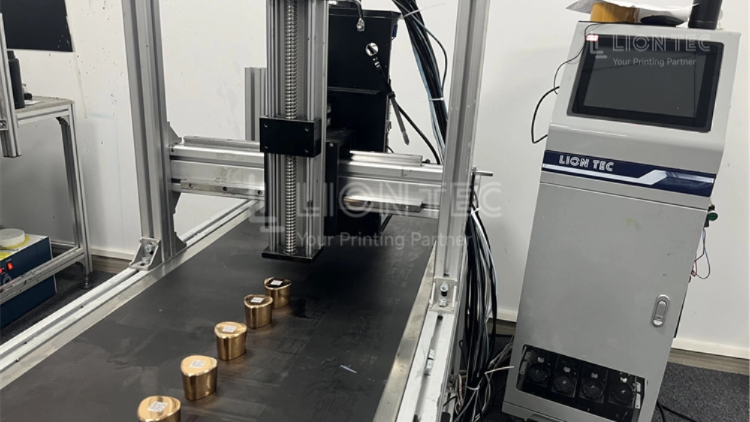
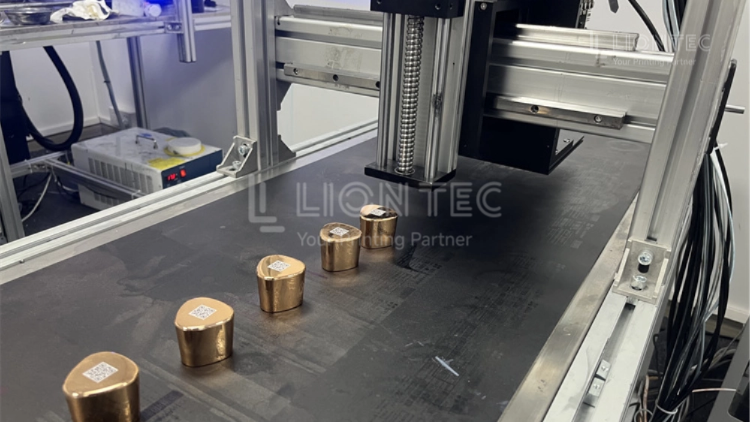
- Idle test jet: run without feeding workpieces, test printhead ink output, observe complete print lines and confirm curing lamp operation.
- Small-batch trial production: feed a small number of workpieces to verify marking quality, then resume full production line operation after confirmation.
IV. Routine Normal Shutdown Procedure
- Stop conveyor line feeding and pause printing tasks.
- Execute printhead cleaning and ink circuit pressure maintenance procedures.
- Perform normal shutdown from the software side, turning off the curing lamp, ink pump and main power supply in sequence.
- Clean equipment surfaces, shut off workshop air and power supplies, and fill in the equipment operation log.
Advantages of Standardized Operation
I. Protect On-Site Personnel Safety
- UV ink is irritating, strong UV light can damage the cornea and skin, and the equipment carries electrical and mechanical risks.
- Strictly following the procedures and correctly performing emergency shutdown in hazardous situations cuts off the source of danger immediately, reducing the probability of chemical burns, UV light injury, electric shock and mechanical injury.
II. Reduce Risk of Damage to Core UV Inkjet Printer Components
- UV printheads, ink circuit circulation systems and UV curing lamp arrays are high-value components.
- Standardized distinction between normal shutdown and emergency shutdown scenarios reduces unnecessary emergency stop impacts.
- Standardized troubleshooting after fault shutdown prevents printhead clogging, ink circuit air ingress and curing lamp overload damage caused by secondary startup, extending equipment service life and reducing spare part procurement and shutdown repair costs.
III. Stabilize Production Line Marking Quality and Avoid Batch Defects
- Continuing to print under abnormal working conditions results in duplicate codes, missing prints and blurry marks, causing entire batches of product scrap.
- Standardized emergency response stops printing in time, locates problems quickly, reduces batch defects, ensures production delivery and lowers material loss.
IV. Meet Workshop Safety Production Management Requirements
- Creating standardized work documents facilitates new employee training and on-site inspections, maintains records of equipment abnormal handling, and meets factory safety production and equipment management internal audit requirements.
Conclusion
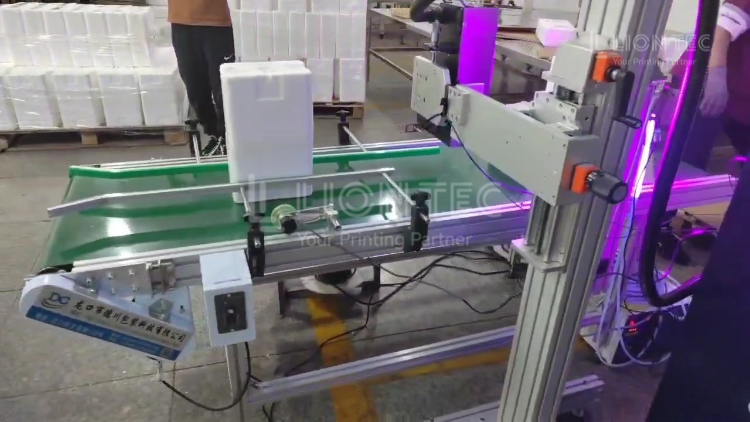
LIONTEC focuses on industrial inkjet printing solutions, providing UV inkjet printer equipment delivery, on-site training and maintenance support, helping enterprises establish a standardized safe operation system for printing equipment.