In Industrial UV Inkjet continuous‑production scenarios, printing speed represents production‑line running rate and printhead jetting frequency, which directly determines production‑line throughput. Curing performance refers to the condition where UV ink absorbs ultraviolet energy and forms a stable ink layer with qualified adhesion, abrasion resistance, non‑tackiness and no migration. There exists an inherent dynamic restriction relationship between the two factors.It is critical to match printing speed with curing capability; excessive line speed will lead to incomplete UV curing, while overly conservative speed will waste production potential and raise overall manufacturing cost.
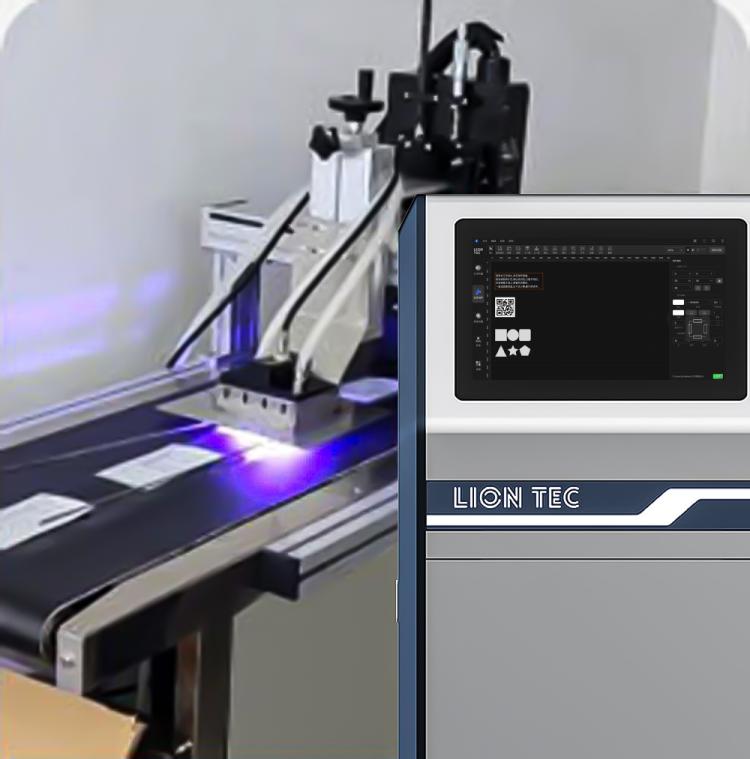
Practical Steps to Balance Printing Speed and Curing Performance for Industrial UV Inkjet
Step 1: Confirm Basic Conditions Verify printhead model, target printing DPI, graphic ink coverage (large solid fill / small‑character 1D barcode / 2D barcode), UV light source wavelength, maximum heat‑resistant temperature of substrate. Record ambient temperature and humidity to unify the testing baseline.Higher ink coverage generally demands stronger curing energy, which should be fully considered in your preliminary condition confirmation.
Step 2: Set Initial Conservative Process Baseline Adopt a low conveyor speed and medium power for the UV light source. Fix printhead height and light irradiation distance for sample printing. Conduct wipe test and cross‑hatch adhesion test to inspect curing quality and confirm full curing under current parameters.
Step 3: Increase Printing Speed in Staged Mode Ramp up production‑line speed in small increments. Save samples after each speed adjustment, meanwhile observe ink droplet formation and edge sharpness, and continuously check curing performance. Record the critical speed once slight under‑curing occurs on samples.Do not make large‑jump speed adjustments, as sharp changes may cause irreversible poor‑curing samples and material loss.
Step 4: Jointly Optimize Curing System Parameters After reaching the critical speed, slightly increase UV light power or fine‑tune light mounting height to boost irradiation intensity. Avoid large‑scale one‑shot parameter changes. For heat‑sensitive substrates, prioritize optimizing ink‑layer thickness, moderately reduce ink output to lower curing energy requirements.
Step 5: Parameter Range Lock‑in & Stability Validation Identify the maximum sustainable running speed with qualified print quality, lock all parameters. Run non‑stop printing for 30 consecutive minutes to check intermittent curing fluctuation and substrate thermal deformation. Generate a standard process card if stable performance is achieved in long‑run operation.
Step 6: Establish Process Archive Document speed, light source power, printhead voltage, ink‑layer thickness, environmental conditions and substrate model. Directly reference these records for subsequent product change‑over to reduce repeated debugging work.
Advantages of Achieving Proper Balance for Industrial UV Inkjet
1. Stably Boost Effective Production‑Line Throughput
Tap the upper limit of line speed while guaranteeing qualified product rate. Avoid productivity loss caused by unnecessary speed reduction for quality purposes, and increase production‑line output with existing equipment.
2. Reduce Defect and Rework Costs
Mitigate common defects such as insufficient curing, tacky ink layers, roll‑up sticking and easily‑scratched marks. Cut waste and manual re‑inspection workload to stabilize finished‑product yield.
3. Prolong Service Life of Core Equipment Components
Prevent long‑term full‑power operation of the UV curing module to lower thermal load on lamp beads. Stable process parameters reduce frequent printhead start‑stop cycles and nozzle clogging risks, lowering maintenance frequency.
4. Support Flexible Multi‑variant Production
Build standardized speed‑curing parameter models. Quickly recall process settings for product changeovers and substrate replacements, shortening production‑line setup time for mixed‑order manufacturing.
5. Meet Industry Compliance Requirements
For food packaging, medical device UDI marking, electronic component printing and other applications, strict standards govern ink‑layer adhesion and substance migration. Balanced processes ensure printed outputs consistently pass compliance tests.
Every production line carries unique substrate characteristics and output targets, there is no universal fixed parameter set suitable for all working conditions. Field testing and verification are always necessary before mass production.
Conclusion
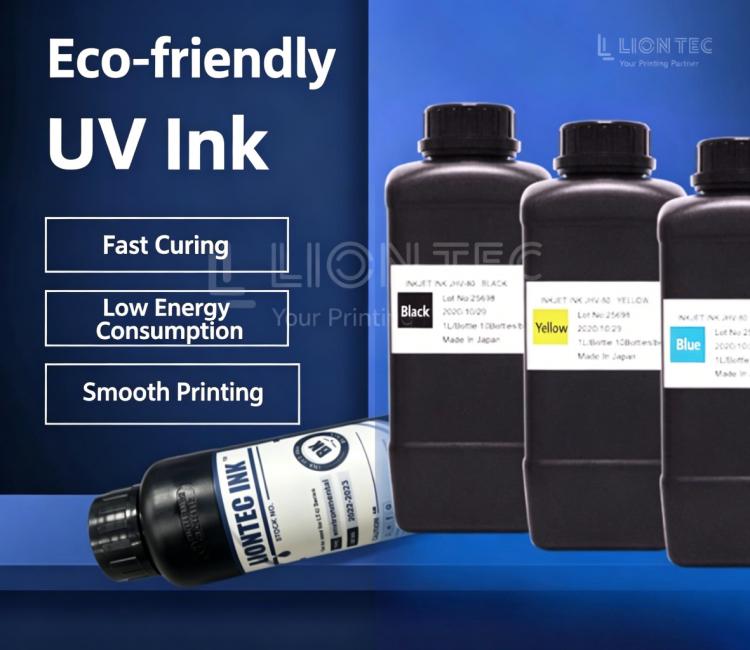
LIONTEC is committed to delivering systematic solutions for industrial inkjet printing scenarios that balance speed and quality. Should you wish to learn more technical details or obtain customized parameter‑optimization suggestions tailored for your substrates and production targets, please feel free to contact us!