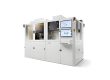
For various printing substrates, UV inkjet printer allows pre‑commissioning and saving of complete sets of process parameter templates. Templates can be directly recalled when switching production materials, reducing repeated on‑site trial‑and‑error work.
industrial inkjet equipment is built‑in with a formula management system, supporting storage and recall of hundreds of preset parameter groups.
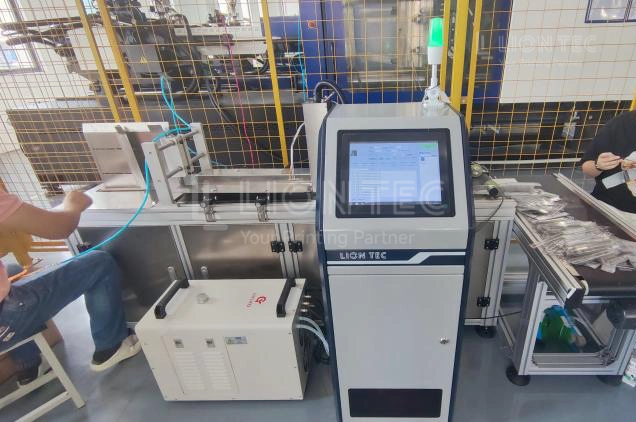
Coder Equipment Parameter Presets
Note: Applicable to piezoelectric UV coder equipment. Recommended operating environment: temperature 15‑32℃, humidity 20‑65% RH. Confirm normal status of equipment, ink and pre‑treatment devices before operation.
I. Substrate Information Collection to Define Basic Boundary Conditions
① Record complete substrate information: material name, surface condition (glossy / matte / coated / porous), corona / plasma pre‑treatment status, measured surface tension.
② Confirm maximum production‑line speed and printing content type (plain text, 1D barcode, 2D barcode, UDI code).
③ Select UV ink dedicated for the corresponding substrate and record ink model information.
Applicability Note: For unknown new special substrates, small‑sample testing is mandatory. Direct mass‑production commissioning is not recommended.
II. Initialization of Equipment Ink Circuit System
① Power on and pre‑heat the equipment; set printhead constant‑temperature value recommended by ink manufacturer.
② Adjust ink circuit negative pressure and test printhead status. Standard criteria: no ink leakage at rest, no ink breakage during jetting.
③ Enable ink circulation and set circulation interval to prevent nozzle clogging caused by ink sedimentation.
④ Perform printhead spitting and nozzle inspection to verify no missing nozzles.
III. Select Reference Range and Carry‑out Gradient Sampling & Commissioning
① Load reference parameters of similar material as starting point. Configure printing resolution, drop volume and printhead distance. For fine 2D barcodes / UDI codes, prioritize 600‑1200DPI with small‑drop mode. Appropriately increase drop volume for rough porous substrates.
② Match actual production‑line speed and adjust UV‑LED curing energy in ascending gradient.
③ Print 3‑5 samples for each parameter group, retain samples and record full set of corresponding parameters.
IV. Multi‑dimensional Performance Verification for Sample & Qualified Parameter Screening
① Visual inspection: sharp character edges, no ink spread, misting or missing dots.
② Barcode scanning test: stable decoding of 2D barcodes and UDI codes.
③ Adhesion test: alcohol / dry‑cloth rubbing test with no ink‑layer peeling or powdering.
④ Ink‑layer condition check: avoid tackiness from insufficient curing and ink‑film cracking from over‑curing.
Select the parameter group passing all inspection items.
V. Production‑line Simulation Run & Motion‑synchronization Parameter Calibration
① Connect production‑line encoder and set printing trigger delay.
② Continuously print more than 20 samples to verify stable printing position and output quality under high‑speed operation.
③ If production‑line speed fluctuates, record curing compensation parameters for upper and lower speed limits.
VI. Name & Archive Parameter Template to Complete Preset Setup
① Recommended template naming rule: Material‑Surface Condition‑Ink Model. Example: “PET Glossy Film‑High‑adhesion UV Black Ink”.
② Save full‑set parameters into equipment preset library. Create paper or electronic backup including: resolution, drop volume, printhead distance, speed range, curing energy, printhead temperature, negative pressure, pre‑treatment conditions and ink model.
③ Add fine‑tuning notes. Example: Enable corona pre‑treatment when substrate Dyne value is below 38.
VII. Production Recall & Iterative Update for Subsequent Materials
Directly recall corresponding preset templates when switching materials. When substrate batch or ink batch changes, run small‑batch trial printing for validation. Fine‑tune parameters and update archived templates if printing performance deviates.
Advantages of Parameter Presets
I. Shorten Change‑over Commissioning Time and Reduce Production‑line Downtime Loss
When switching between multiple materials, call up saved substrate preset templates directly, only minor fine‑tuning is required without repeated sampling and trial printing. Compared with full manual commissioning from scratch, change‑over time is greatly shortened. It reduces production‑line waiting and material waste caused by trial prints. It is highly suitable for flexible‑production enterprises with multi‑SKU packaging and medical component OEM processing.
II. Stabilize Printing Quality and Lower Defect Rate of Markings
Proven processes are solidified into templates to minimize quality fluctuations caused by differences in operator experience. It prevents mass defects such as unreadable 2D barcodes, blurry batch numbers and poor adhesion due to improper parameter adjustment by new operators, and guarantees consistent printing output across different work shifts.
III. Accumulate Enterprise Process Assets for Convenient Traceability & Replication
Archive resolution, curing energy, ink models and pre‑treatment conditions for each material to build an internal enterprise process knowledge base. Process know‑how will not be lost amid staff turnover. Mature preset templates can be reused directly for new production‑line expansion to accelerate equipment commissioning and go‑live.
IV. Protect Printhead and Ink Circuit System to Extend Service Life of Components
Reasonably preset printhead temperature, negative pressure and ink‑drop parameters. It reduces failures including ink misting, nozzle clogging and ink leakage triggered by improper long‑term parameters. It lowers printhead cleaning frequency, cuts consumable consumption and improves continuous running stability of equipment.
Conclusion
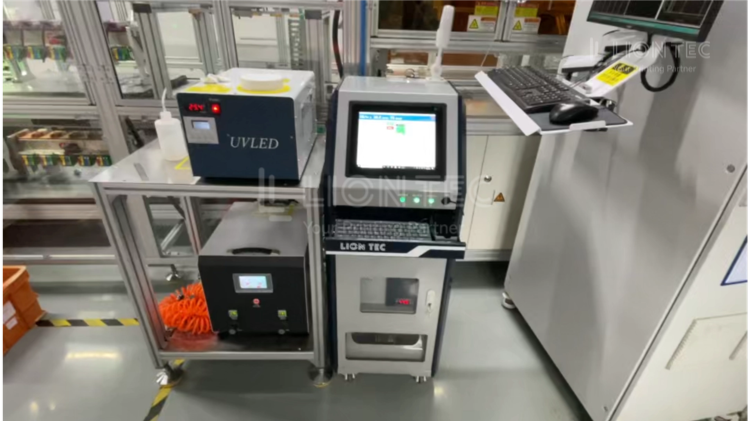
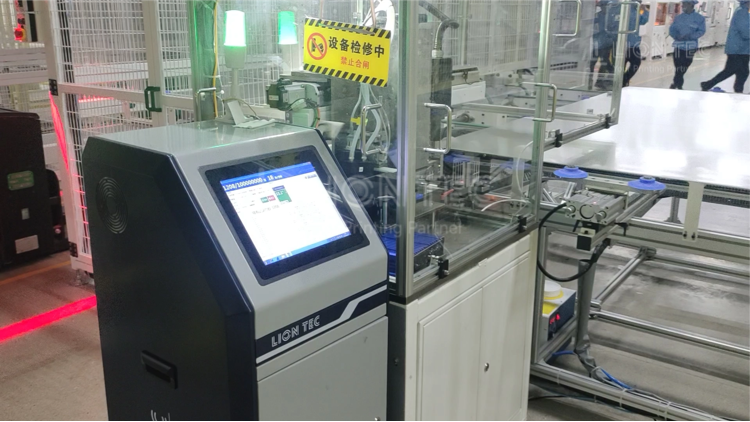
As a manufacturer of industrial inkjet printing equipment, LIONTEC provides customers with UV inkjet printing equipment, sample‑testing services, and assistance in setting up material parameter templates. If your enterprise has printing requirements for mixed‑material production lines, welcome to consult us for process and technical support.