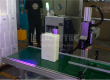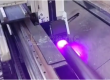
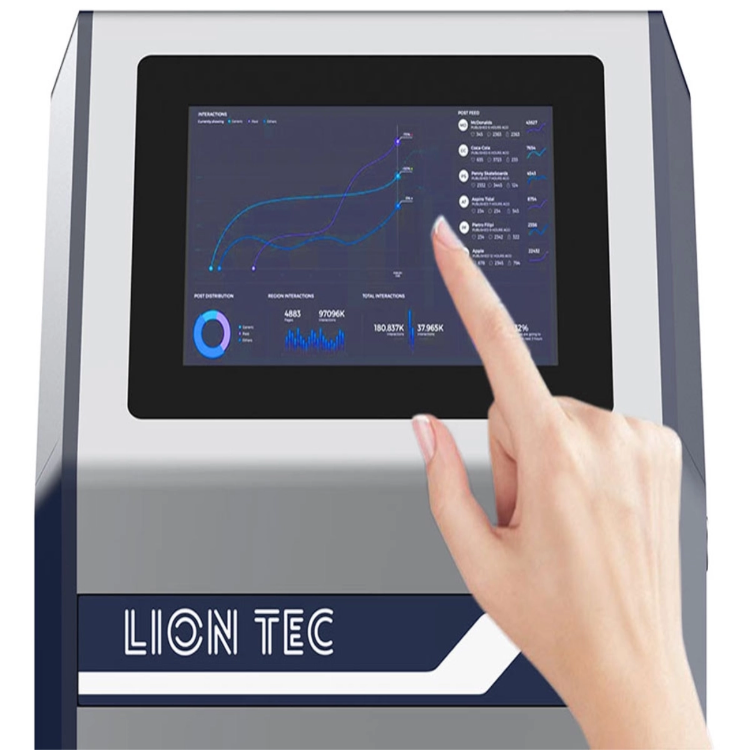
(Compatible with BarTender, NiceLabel, Codesoft and Other Label‑Design Software)
This Industrial Inkjet Equipment Software System Integration connects industrial inkjet printing equipment with enterprises’ existing label‑design software (BarTender, NiceLabel, Codesoft, etc.) and production management systems (MES, ERP, WMS, etc.) via standardized communication protocols and interfaces. It delivers an all‑in‑one solution featuring label template invocation, automatic variable‑data filling, remote print‑task dispatch and real‑time equipment‑status monitoring.
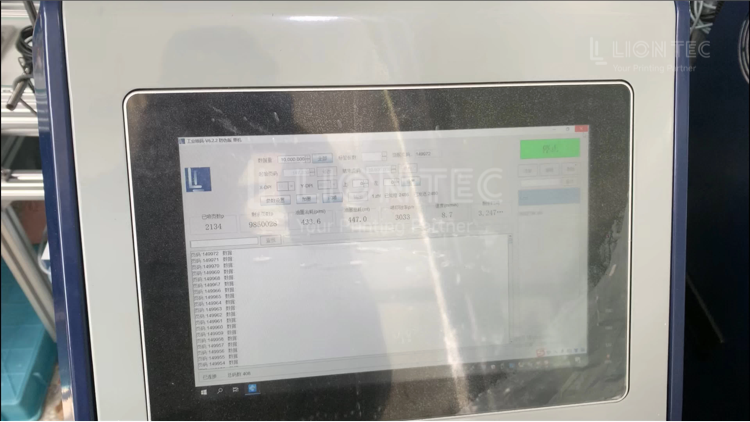
Label Software Integration
I. Pre‑Project Information Sorting & Solution Confirmation
- Collect key on‑site information: production‑line speed, DPI of inkjet equipment, print width, model and version of label software in use, and existing label template files.
- Confirm connected data‑source types (databases, files, MES interfaces) and production‑line trigger signals (photoelectric sensor, encoder parameters).
II. Deploy LIONTEC Label Software Adaptation Component
- Install the supporting adaptation service module for LIONTEC inkjet system on the on‑site industrial PC, complete network debugging to ensure normal TCP communication between the industrial PC and the main inkjet printer.
- Configure folder directory permissions or API access authorization.
- Complete basic parameter setup for inkjet equipment: print resolution, print width, encoder pulse parameters, and IO trigger‑signal debugging.
III. Standardized Adjustment of Label Templates
- Open existing label templates in BarTender / NiceLabel / Codesoft.
- Match template DPI with the DPI of inkjet printheads.
- Enable font embedding to avoid missing fonts on the industrial PC.
- Sort out all variable fields and unify variable naming rules.
- Test automated output from label software, configure automatic output jobs to export template files plus variable‑data sets (XML / CSV). Verify normal file export or API‑call functions.
IV. Joint Link Debugging: Label Software — Adaptation Component — Main Inkjet Printer
- Simulate business triggers from label software to export templates and variable data.
- The adaptation component receives jobs, parses templates and variables, and performs rasterization pre‑processing.
- Send processed print jobs to the main industrial inkjet printer.
- Simulate production‑line trigger signals. Test single‑job printing and batch variable‑data printing. Verify accuracy of text, barcodes, graphic positions and content.
- Troubleshoot offset printing, missing variables, rendering errors and other issues. Revise template parameters and mapping relationships.
V. Physical Sample Printing for Quality Validation
- Print physical samples using actual production materials. Verify barcode‑grading performance, positioning accuracy of logos and text.
- Confirm correct sequence of multiple variable serial‑number datasets. Ensure no data disorder or missing prints after production‑line startup, shutdown or temporary pause‑resume.
VI. End‑to‑End Stress Test & Exception‑Handling Configuration
- Simulate continuous production conditions and run long‑duration batch testing. Configure exception feedback logic so that ink shortage and communication‑interruption alerts from the inkjet main unit can be fed back to the industrial PC.
- Improve log records for later maintenance troubleshooting. Compile on‑site operation documentation and deliver it to plant engineers.
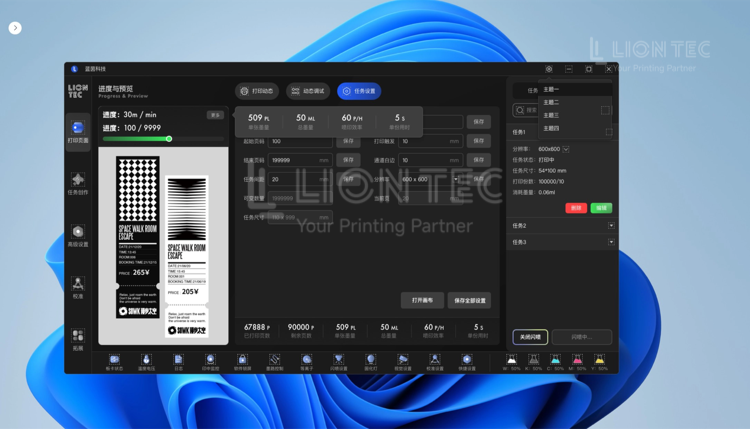
Advantages of Label Software Integration
1. Reuse Existing Enterprise Label Assets to Lower Staff Learning Costs
Enterprise MES and ERP systems store abundant label templates, database scripts and encoding rules built in BarTender, NiceLabel and Codesoft. After system integration, there is no need to rebuild complete inkjet‑printing templates. Plant IT and process personnel keep their familiar operating habits with original label software, without learning new editing software for inkjet devices. It shortens production‑line renovation cycles and cuts staff‑training investment.
2. Unlock Enterprise Information Chain for Automated Variable‑Data Encoding
Label software supports connection with SQL, ERP and MES databases. It automatically retrieves dynamic data such as work orders, batch numbers, serial numbers and UDI codes. After integration, variable data is automatically delivered to the main inkjet printer, and printing is triggered by assembly‑line signals. Manual copy‑and‑entry steps are eliminated to reduce human coding‑error risks, complying with one‑item‑one‑code traceability requirements.
3. Balance Label‑Design Flexibility and Stability for High‑Speed Industrial Inkjet Production Lines
Label software excels at complex multi‑element layout, RFID label design and bulk variable management. The inkjet system takes charge of production‑line timing, encoder synchronization, high‑speed printing, as well as ink and printhead status monitoring. Each system performs its dedicated role. It retains powerful editing capabilities of label software while guaranteeing 7×24‑hour continuous‑run stability for industrial lines. Production‑line operation will not be disrupted by label‑software stalling.
4. Centralized Label Control for Multiple Production Lines
For group‑level multi‑factory scenarios, label templates are maintained and updated centrally on BarTender / NiceLabel server sides. Template modifications are synchronously distributed to inkjet devices across all production lines. Uniform marking styles are achieved throughout the whole plant, meeting compliance‑audit requirements from medical, photovoltaic and electronics industries.
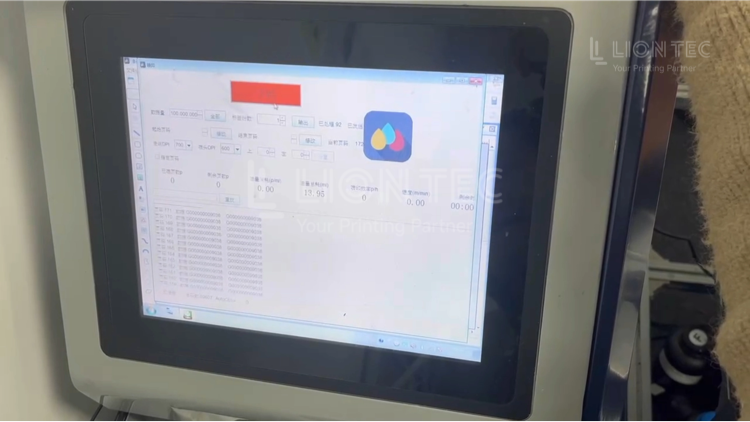
Conclusion
If you have specific integration requirements or need on‑site condition assessment, welcome to contact the LIONTEC technical team for customized solutions.