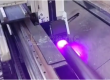
Printhead cleaning for industrial inkjet equipment adopts a standardized workflow combining automatic‑program cleaning, manual surface cleaning and deep unclogging maintenance. It removes UV ink residues, ink sediments and air bubbles from nozzles and ink pipelines, so as to keep the nozzle holes in smooth ink‑ejecting condition.
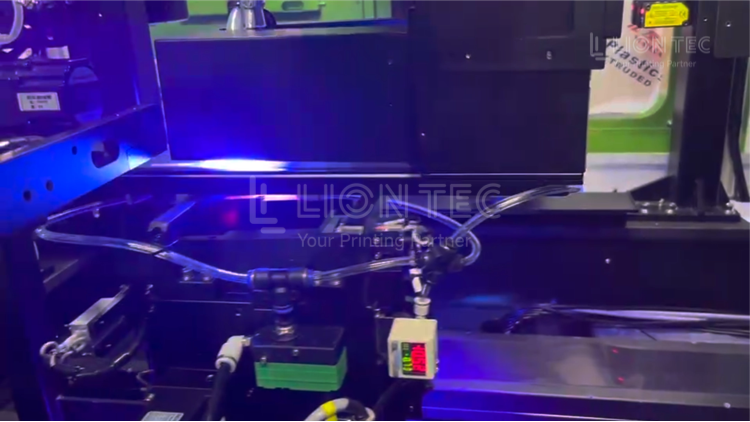
1. Light‑Duty Routine Cleaning
Routine maintenance before startup and after shutdown, belonging to preventive maintenance.
2. Moderate Unclogging Cleaning
Fault‑recovery cleaning for minor broken print lines and missing nozzles.
3. Deep‑Cleaning Maintenance
In‑depth printhead maintenance for long‑term shutdown or severe nozzle clogging.
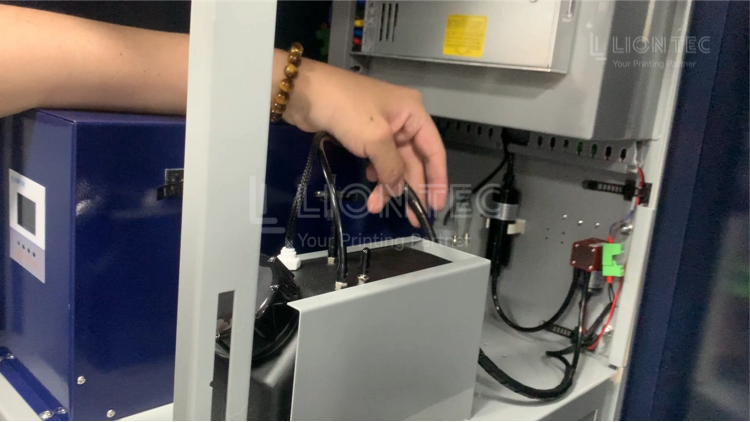
UV Printhead Cleaning Steps
I. Shutdown and Status Confirmation
- Stop printing tasks and keep the equipment in standby status.
- Perform ink‑circuit back‑suction to recover residual UV ink inside printheads and ink tubes.
- Close the ink supply valve to prevent ink leakage or mis‑firing during cleaning.
- Confirm that the device is shut down and idle, and the printhead has completed the automatic cleaning process.
II. Preliminary Surface Cleaning
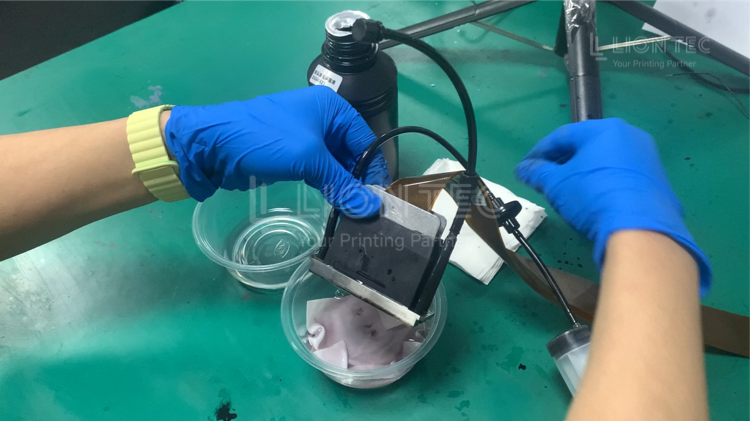
- Use lint‑free cloth dampened with appropriate special cleaning solution to gently wipe the nozzle surface at the bottom of printhead in one single direction.
- Never wipe back‑and‑forth or horizontally — wipe gently only along one direction.
- Never scrape the nozzle plate with hard objects; otherwise the water‑repellent coating on printhead surface will be damaged, resulting in ink dripping, ink accumulation and other malfunctions.
- Remove loose residual ink and ink stains on the nozzle surface.
III. Mild Clogging — Run Automatic Cleaning
- Enter the device operation interface and locate the automatic cleaning function module.
- Select the corresponding cleaning mode (Clean Nozzle or Flush Nozzle) according to printhead clogging severity.
- Start the automatic cleaning program. The device will automatically complete cleaning solution delivery, internal printhead circulation, impurity brushing and waste‑liquid recovery.
- After cleaning, print a nozzle test pattern and check whether ink ejection is complete and uniform.
- If performance is restored, resume normal production. If no obvious improvement is observed, do not run automatic cleaning more than 3 times in one maintenance session; proceed to the next step if exceeded.
IV. Moderate Clogging — Manual Low‑Pressure Flushing
- Cut off device power supply to ensure safe operation.
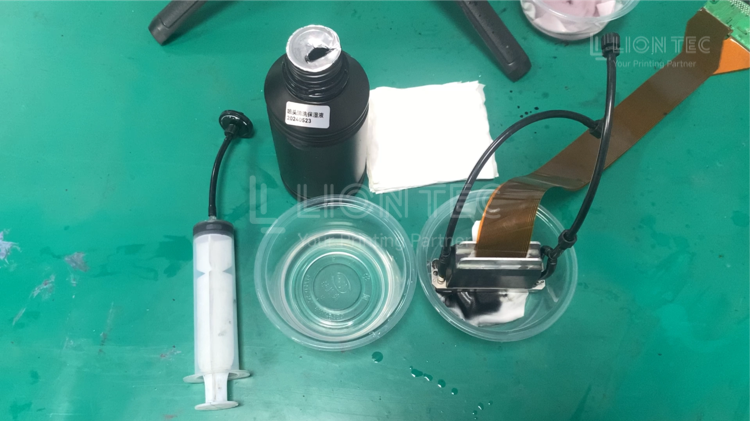
- Remove the ink supply cartridge and insert the cleaning cartridge.
- Draw special cleaning solution with a syringe, and connect it to the cleaning cartridge or printhead ink inlet.
- Push the syringe slowly under low pressure, so that cleaning solution flows into printhead interior with gentle pressure for flushing.
- Observe the color of liquid flowing out from nozzles — when outflow becomes transparent, internal ink has been fully cleaned.
- For stubborn clogs, soak only the nozzle bottom in special cleaning solution for 20‑30 minutes. Do NOT immerse circuit boards or electrode components in liquid.
- After flushing and soaking, thoroughly dry printhead surface and nozzle area with lint‑free cloth.
V. Post‑cleaning Verification & Wrap‑up
- Reinstall the ink supply cartridge, perform pressure‑driven ink priming to refill ink into the printhead.
- Print a nozzle test pattern to fully verify ink‑ejection performance of every nozzle.
- Do not resume normal production until missing lines, ink splashes and smearing are eliminated.
- Dispose of waste ink in the ink‑receiver tray and clean residual ink sediment inside the capping station.
- If printhead still fails to return to normal after cleaning, contact the manufacturer’s technical engineer for on‑site service immediately. Do not continue blind operation.
Conclusion
Cleaning the printhead of UV inkjet printer is not an arbitrary‑operation task. It affects equipment operating efficiency and printing quality stability, and directly determines the service life of the high‑value core component — the printhead. Standardized operating procedures, proper tool selection and strict compliance with precautions are essential basic skills for every equipment operator.
LIONTEC Reminder: If you encounter any issues during printhead cleaning or equipment maintenance, feel free to contact the LIONTEC technical team for professional guidance. Standard cleaning and maintenance represent the most effective investment to ensure long‑term stable equipment operation.