As core marking equipment for modern industrial production lines, UV Inkjet Printer Printhead Cleaning matters a lot for your device. UV inkjet printers deliver high‑speed printing, instant UV curing and broad substrate compatibility, and are widely adopted in food, building material, cosmetic, electronics and other industries.
As the “heart” component of industrial inkjet equipment, the printhead features micron‑scale nozzle apertures. Negligent handling may lead to blurred printing, missing jets, nozzle clogging and even complete machine downtime, so mastering proper UV Inkjet Printer Printhead Cleaning procedures helps avoid unexpected production halt.
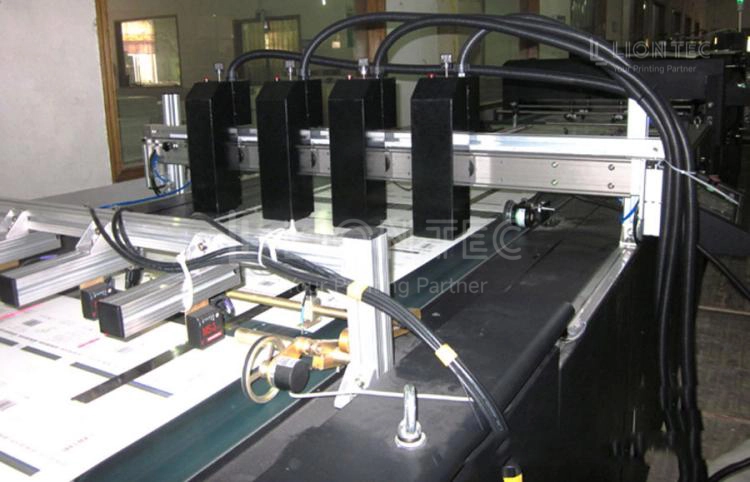
Printhead Cleaning and Maintenance Operations
I. Start‑up Procedure
After power‑on and system self‑check, fully preheat the device. Do not start production directly. Run an automatic pressure‑fill cleaning, then print a nozzle test pattern. Verify complete and uniform ink output with no missing nozzles or air bubbles before launching production printing.
II. Intermittent Protection During Production
In continuous‑production mode, perform a spitting operation every 2‑4 hours. For temporary production‑line stops longer than 15 minutes, move the printhead to fully seal against the capping station to prevent nozzles from drying out due to direct airflow from workshop fans.
III. Pre‑shutdown Cleaning & Maintenance
- Stop print jobs and keep the device on standby. Trigger ink‑path suck‑back to recover residual UV ink inside the printhead and ink tubes.
- Wipe the nozzle plate of the printhead in one direction with lint‑free cloth dampened with dedicated cleaning solution. Avoid back‑and‑forth rubbing to remove surface ink residue.
- Clear waste ink and sediment from the capping station and ink‑reception tray. Ensure the capping pad stays flat and clean. Apply a small amount of dedicated moisturizing liquid to the capping pad.
- Move the printhead to achieve full sealing with the capping station, then power off the whole unit to finish daily maintenance.
IV. Weekly In‑depth Printhead and Ink‑path Maintenance
- Print a printhead test pattern, fully record nozzle dropout status and save the status for archive.
- Clean the printhead capping station, remove cured ink sediment on the capping pad. Replace aged or deformed capping pads in a timely manner.
- Inspect the pre‑filter fitted on the printhead for sediment and impurities. Replace filter cartridges on scheduled cycles.
- Check sealing performance of ink‑tube connectors for ink leakage or seepage. Confirm negative‑pressure parameters fall within the range specified in the equipment manual.
- Upon completion of all steps, print another test pattern to validate printhead performance.
V. Graded Cleaning Procedures for Clogged Printheads
- Minor clogging: Run the device’s built‑in deep cleaning and spitting cycles. Print a test pattern after standing. Normal performance is usually restored. Repeated consecutive cleaning is prohibited.
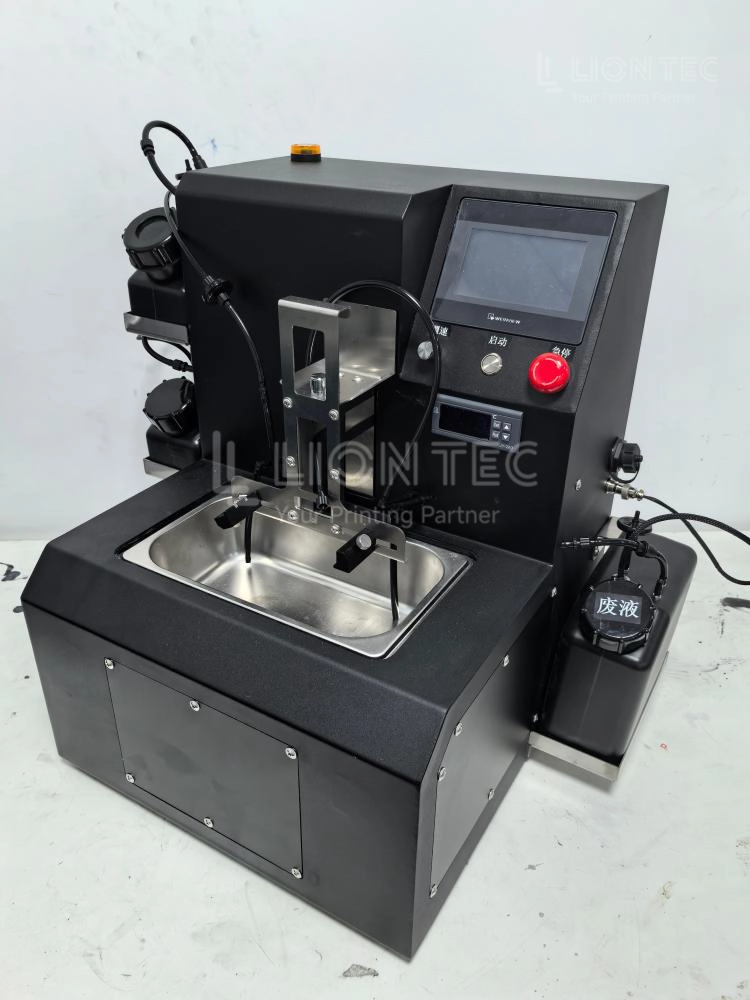
- Moderate clogging: Power off the machine. Use a syringe filled with dedicated cleaning solution to slowly flush the printhead ink inlet under low pressure. Soak only the nozzle bottom in dedicated cleaning solution for 20‑30 minutes (circuit board must never touch liquid). Thoroughly flush residual liquid and dry completely before reinstallation and testing. Do not over‑soak to prevent corrosion of internal components.
- Severe full clogging: On‑site operators are NOT recommended to disassemble the unit by themselves. Contact LIONTEC technical engineers for on‑site inspection. Blind soaking or ultrasonic cleaning may permanently damage the printhead.
VI. Preservation Maintenance for Idle Equipment
- For idle periods of 2‑7 days: Complete UV Inkjet Printer Printhead Cleaning, press the printhead tightly against the capping station for sealing, and add extra sealing with plastic wrap. Power on the unit every 3 days for spitting‑based moisturizing.
- For idle periods longer than 7 days: Drain all ink from the ink path and perform printhead cleaning & moisturizing preservation. Always consult manufacturer technical support for start‑up guidance before restarting the equipment.
Benefits of Standardized Cleaning and Maintenance
Reduce printhead‑related consumption costs
Industrial UV printheads are high‑value vulnerable components. Field industry data shows production lines with standardized maintenance achieve noticeably longer average printhead service life, cutting substantial purchasing costs caused by frequent printhead replacement. Conversely, over 60% of printhead failures stem from improper cleaning and insufficient maintenance.
Stabilize production‑line printing performance and lower defective rates
Proper printhead maintenance minimizes issues such as ink breakage, ink splashing, missing jets and incomplete characters. It reduces print‑related scrap rates for packaging, UDI coding and other products, prevents frequent production‑line downtime for debugging, and improves overall line uptime.
Cut failure repair requests and shorten downtime
Preventive maintenance takes the place of emergency breakdown repairs and lowers the risk of sudden nozzle clogging. Simple 5‑10‑minute maintenance at the end of each production shift prevents large‑scale nozzle clogging on the next startup and reduces on‑site service calls for technical engineers.
Protect the complete ink‑path system
Printhead maintenance also covers inspection of ink sacs, filters, capping stations and ink tubes. It helps detect ink leakage and sediment impurities in time, preventing impurities from abrading printhead components along the ink circuit and ensuring stable operation of the whole inkjet system.
Conclusion
UV Inkjet Printer Printhead Cleaning and daily maintenance may appear to be simple operations, yet they serve as critical links to guarantee stable equipment performance and extend service life. As a manufacturer of industrial inkjet printing equipment, LIONTEC recommends production‑oriented enterprises incorporate printhead maintenance into standardized equipment management workflows: implement daily inspections, complete weekly maintenance, and prepare dedicated procedures for equipment idle periods.