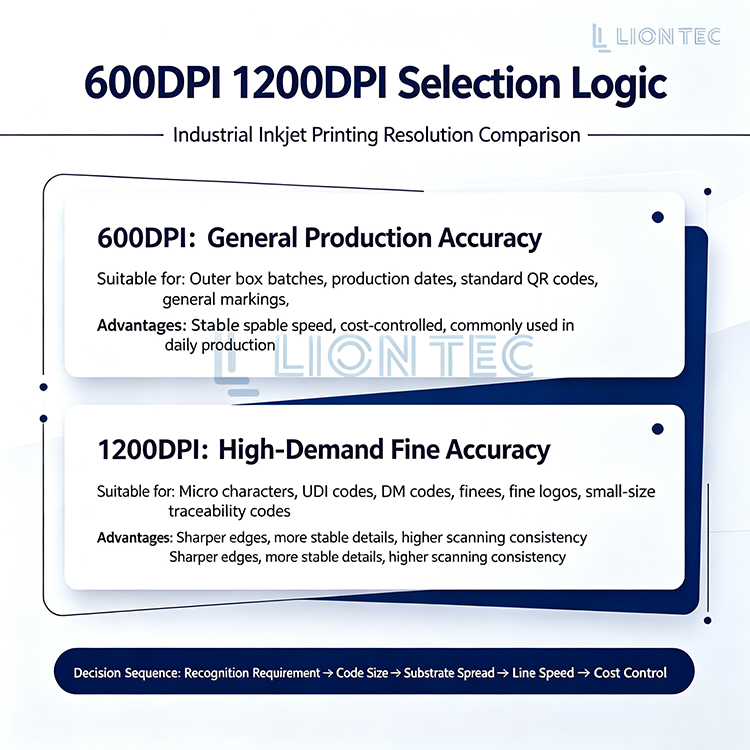
Within industrial inkjet printing, Printing Resolution serves as a key metric for output quality. Many users mistakenly believe higher DPI always delivers better results when selecting between 600DPI and 1200DPI. We analyze resolution‑selection logic based on real‑world industrial demands to support your production‑line‑oriented decision‑making.
Detailed Steps for Selecting Printing Resolution
Step 1: Define Marking Content Type and Application Scenarios
First, sort out the content to be printed on the production line: simple production dates and batch numbers, or QR‑codes and brand Logos with complex information. Determine whether the marks are intended for close‑range human reading or automatic recognition by scanning devices. Identify if the application is for outer carton packaging or internal labels on electronic products. These factors jointly define the lower limit of Printing Resolution.
Step 2: Evaluate Substrate Properties and Production‑Line Speed
Different substrates absorb ink droplets differently. On rough surfaces such as uncoated corrugated cartons, excessively high resolution may cause blurred edges due to ink‑drop spread. On smooth glass or metal surfaces, high resolution delivers superior precision performance. Meanwhile, consider the actual production‑line running speed to ensure stable equipment performance matching line tact time at the selected resolution setting.
Step 3: Refer to Industry Standards and Hardware Capabilities
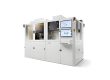
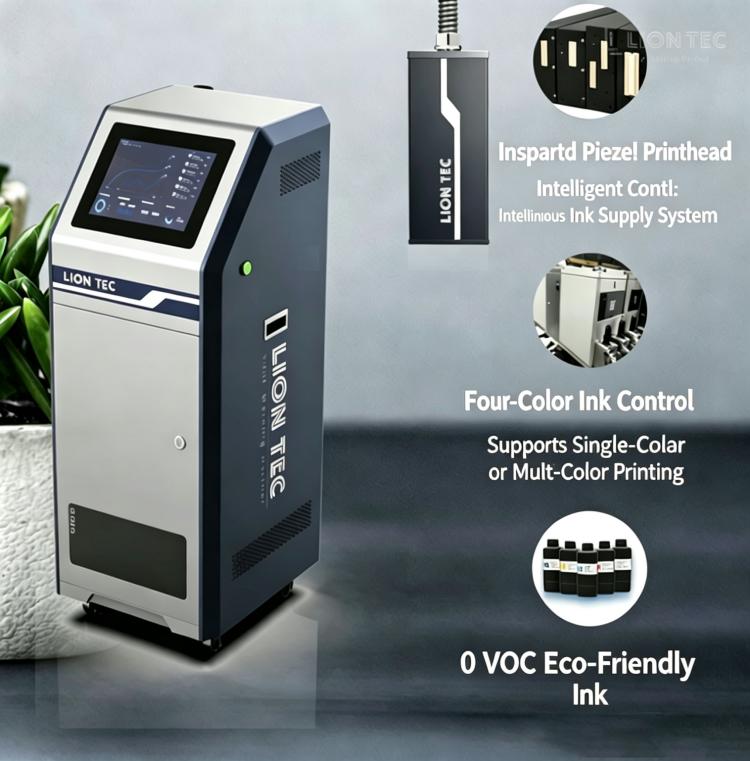
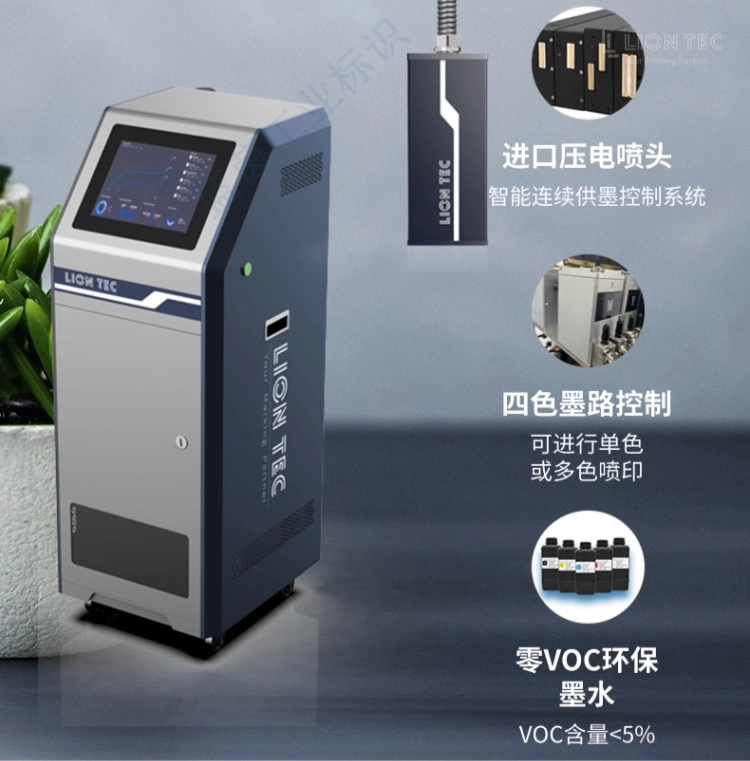
Check industry‑specific marking‑quality specifications (e.g. GS1 barcode standards, pharmaceutical electronic traceability code requirements) to confirm the minimum acceptable resolution. Also review the physical resolution and variable‑resolution range of your industrial ink‑jet printing equipment. Take LIONTEC industrial ink‑jet printing system as an example. Its self‑developed ink‑jet control software enables high‑precision variable‑data printing, supporting flexible precision configuration based on native hardware accuracy to meet differentiated production‑line requirements.
Step 4: Conduct Actual Sampling and Verification Tests
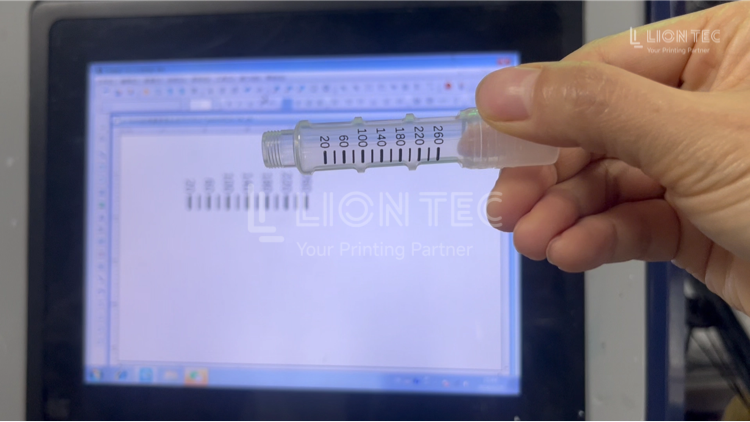
This is the most critical step. Before full‑scale deployment, perform print sampling at 600 DPI and 1200 DPI respectively, using target substrates and real production content. Test barcode grades with a barcode verifier, assess visual clarity, and print‑stability under simulated line speed. Based on test results, select the resolution setting that balances quality requirements and production‑line efficiency.
Benefits of Properly Selected Printing Resolution
1. Ensure Stable Readability of Barcodes and QR‑Codes
The read rate of QR‑codes and barcodes highly depends on Printing Resolution. Industry data shows that a horizontal resolution of at least 300 DPI is required for reliable QR‑code decoding. Barcodes printed at 600 DPI deliver sharp edge definition and clean quiet zones, generally achieving a scan‑read rate above 99%. This effectively reduces the risk of scan failures in warehousing and logistics caused by blurry marks. It serves as a mandatory baseline for high‑standard applications such as pharmaceutical traceability and electronics serial‑number management.
2. Enable Reliable Marking of Tiny Symbols and Fine Graphics
In industries including electronic components, semiconductors and medical devices, product surface space is extremely limited. QR‑codes or micro‑text carrying large volumes of information often need to be printed within an area of only a few millimetres square. The high 1200 DPI resolution makes such small‑size high‑density marking feasible. Ink droplets are reduced down to 21‑micron level, capable of presenting complete data within constrained space without distortion.
3. Avoid Unnecessary Equipment Wear and Cost Waste
Long‑term operation at a resolution far higher than actual requirements keeps printheads working under continuous heavy‑duty ejection, accelerating printhead wear and raising maintenance frequency as well as consumable costs. Choosing a resolution grade matched to real‑world requirements extends printhead service life and lowers overall operating costs.
Conclusion
As an industrial inkjet manufacturer with full‑stack capabilities covering image processing, print driver development, ink‑system design, waveform development and ink formulation, LIONTEC delivers tailored configuration solutions ranging from 600 DPI to 1200 DPI together with matching inks. Our solutions are customized according to your substrate type, marking content and production‑line speed, helping production lines achieve efficient and stable printing performance.